Content Delivery and Branches
When branching is enabled in your project, content delivery configurations gain a Branch field. Each configuration is pinned to a specific branch — only translations from that branch are published to the CDN endpoint.
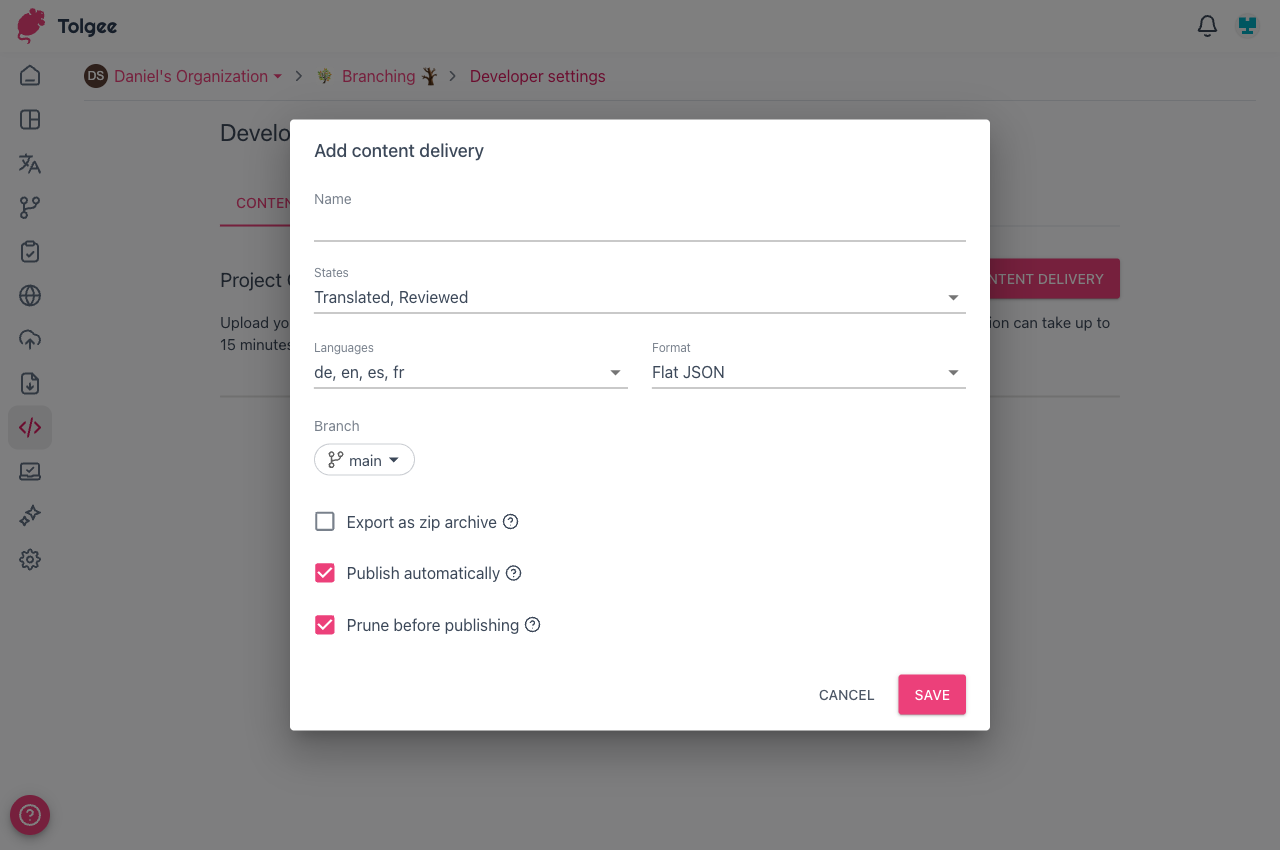
You can select any branch from the dropdown when creating or editing a configuration.
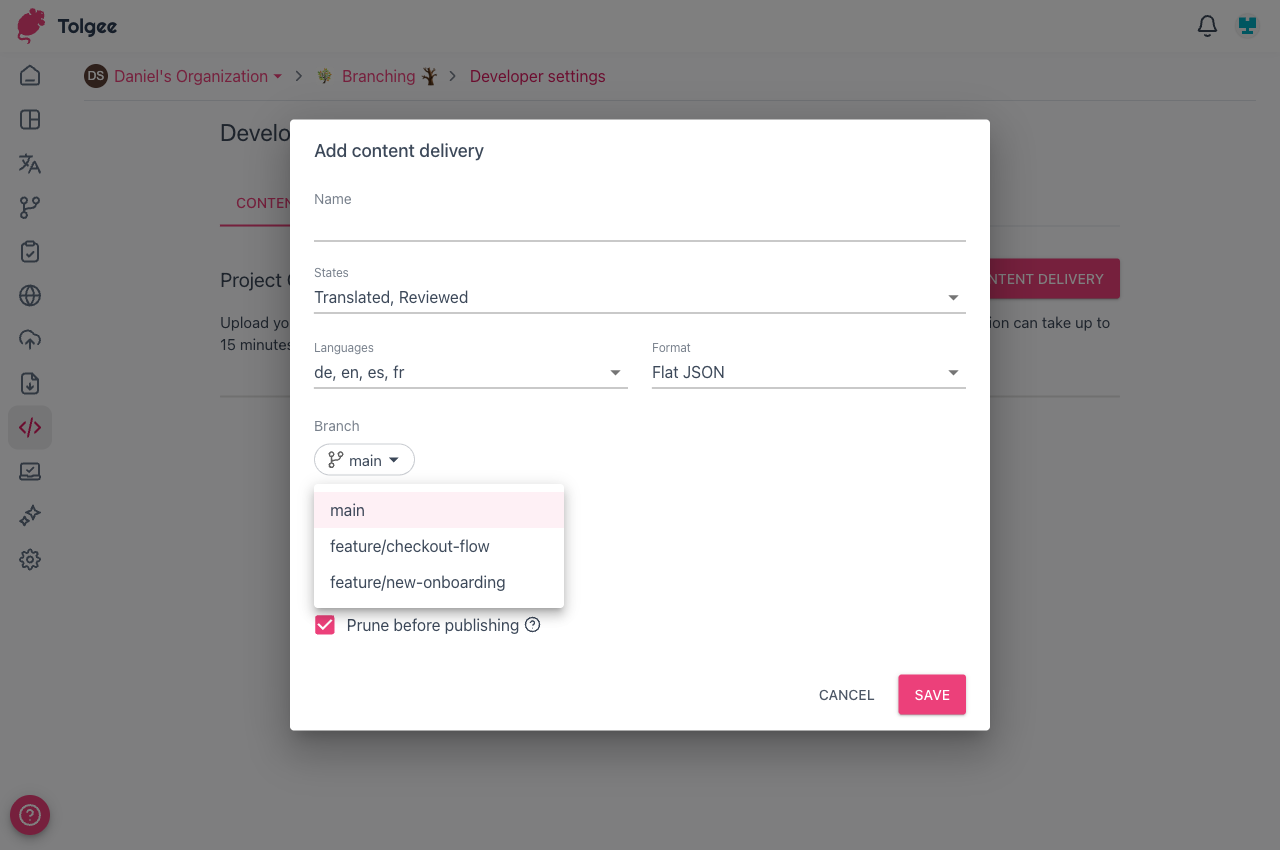
This makes it straightforward to maintain separate endpoints for different stages of your workflow:
- A content delivery pinned to
mainserves your production translations. - A content delivery pinned to a feature branch lets you preview or test branch translations before merging.
When you are done with the feature branch and have merged it, you can delete the preview content delivery or update it to point to a different branch.
caution
Deleting a branch also deletes all content delivery configurations pinned to that branch.