Tasks and Branches
When branching is enabled, tasks are scoped to the active branch. The branch selector in the breadcrumb bar controls which branch's tasks are shown — switch branches to see the tasks belonging to that branch.
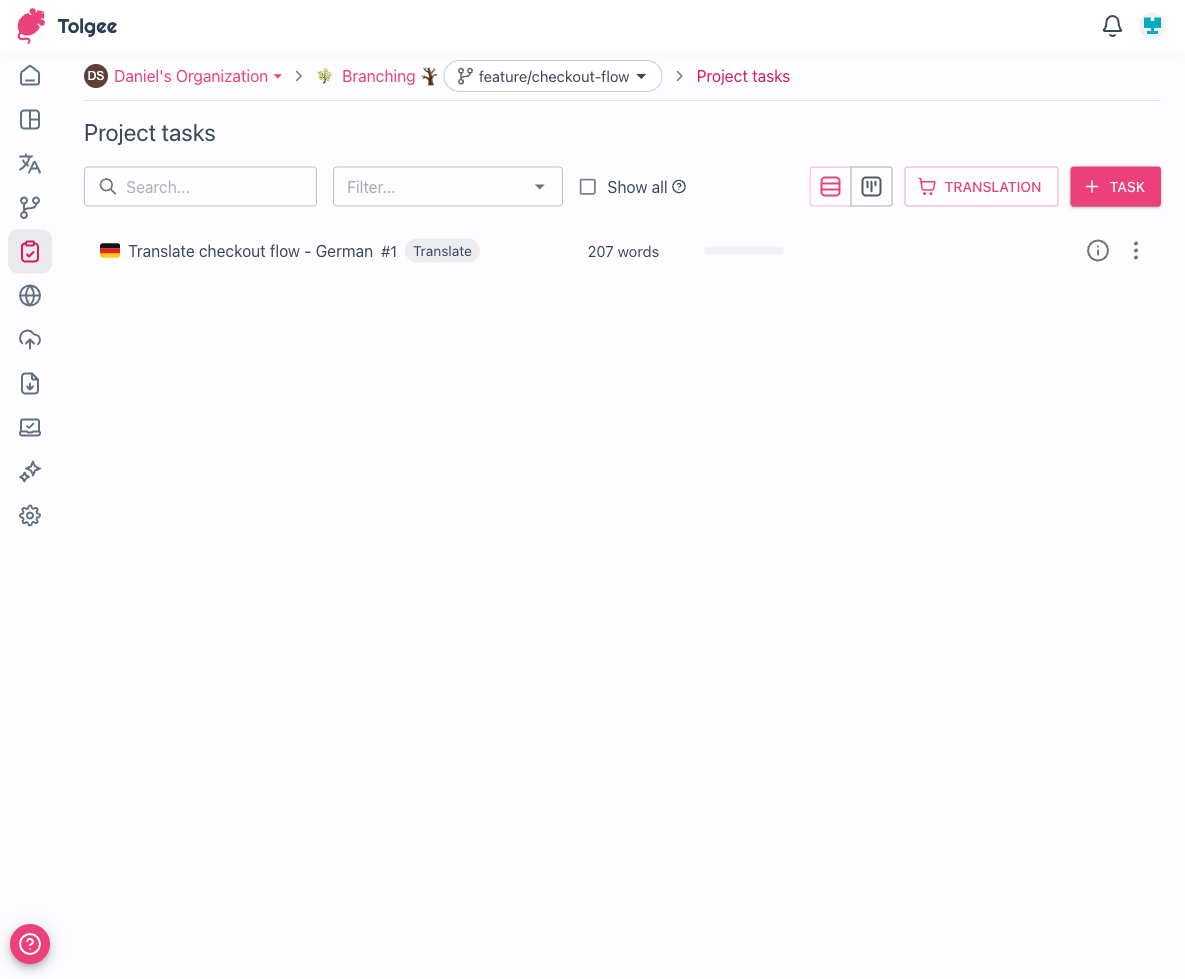
Tasks created while a branch is active belong to that branch. This lets you track translation and review work for each branch independently — for example, a feature/new-onboarding branch can have its own set of translation tasks without appearing in the task list on main.
caution
If a branch is deleted, any tasks on that branch that have not yet been completed are automatically cancelled.